
General Assist Support Guide
Sharing Access to a myanywAiR NEXT Device
Share air conditioner control with family members, coworkers or other users
The primary device owner can share access to a myanywAiR NEXT device and remove that access at any time.
Sharing a device allows another user to control the connected air conditioner through their own myanywAiR NEXT account. The recipient must install the app, sign in and open the shared link before access is granted.
How to share your device
| 1 | Open the myanywAiR NEXT app. |
| 2 | Select the device you want to share. |
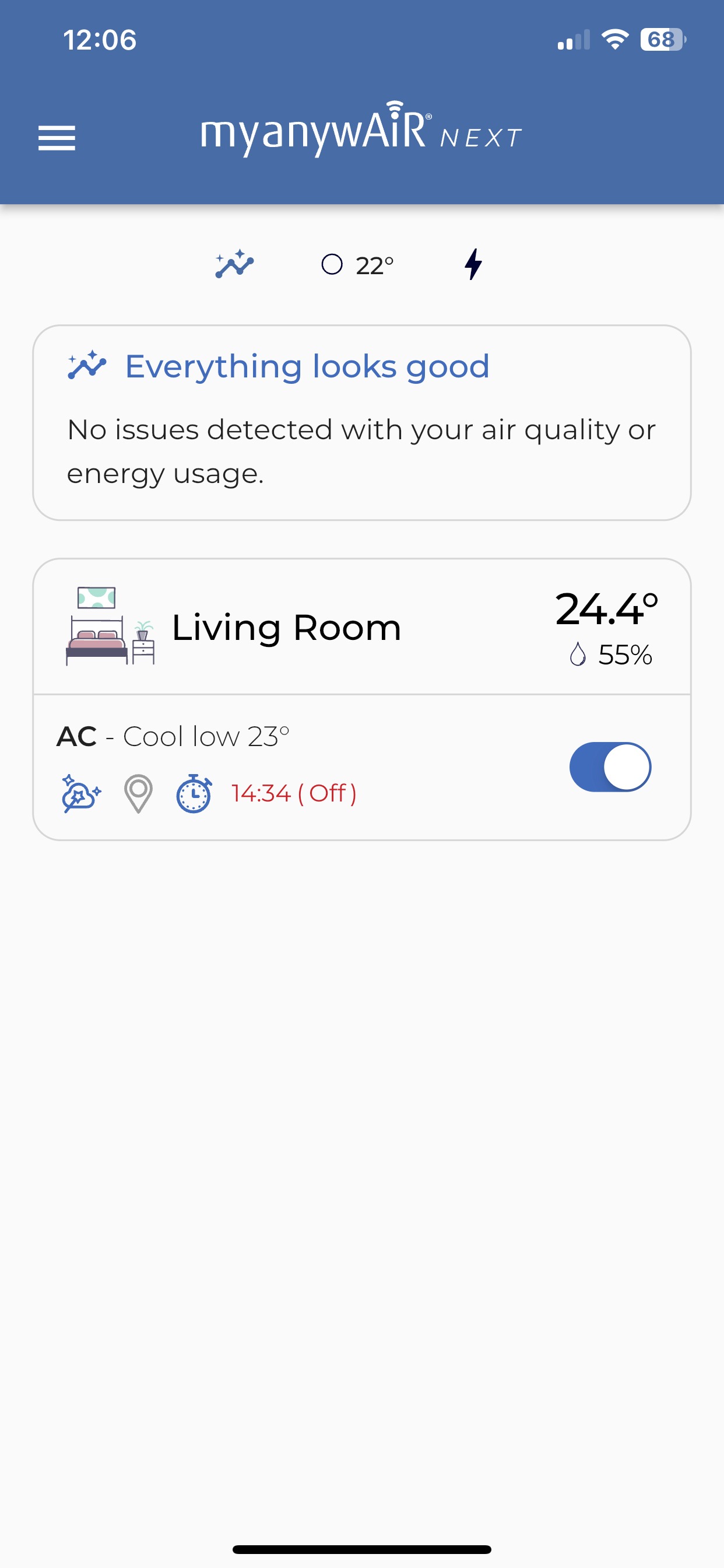
Select the air conditioner you want to share.
| 3 | Slide up to open the device settings drawer. |
| 4 | Select Share. |
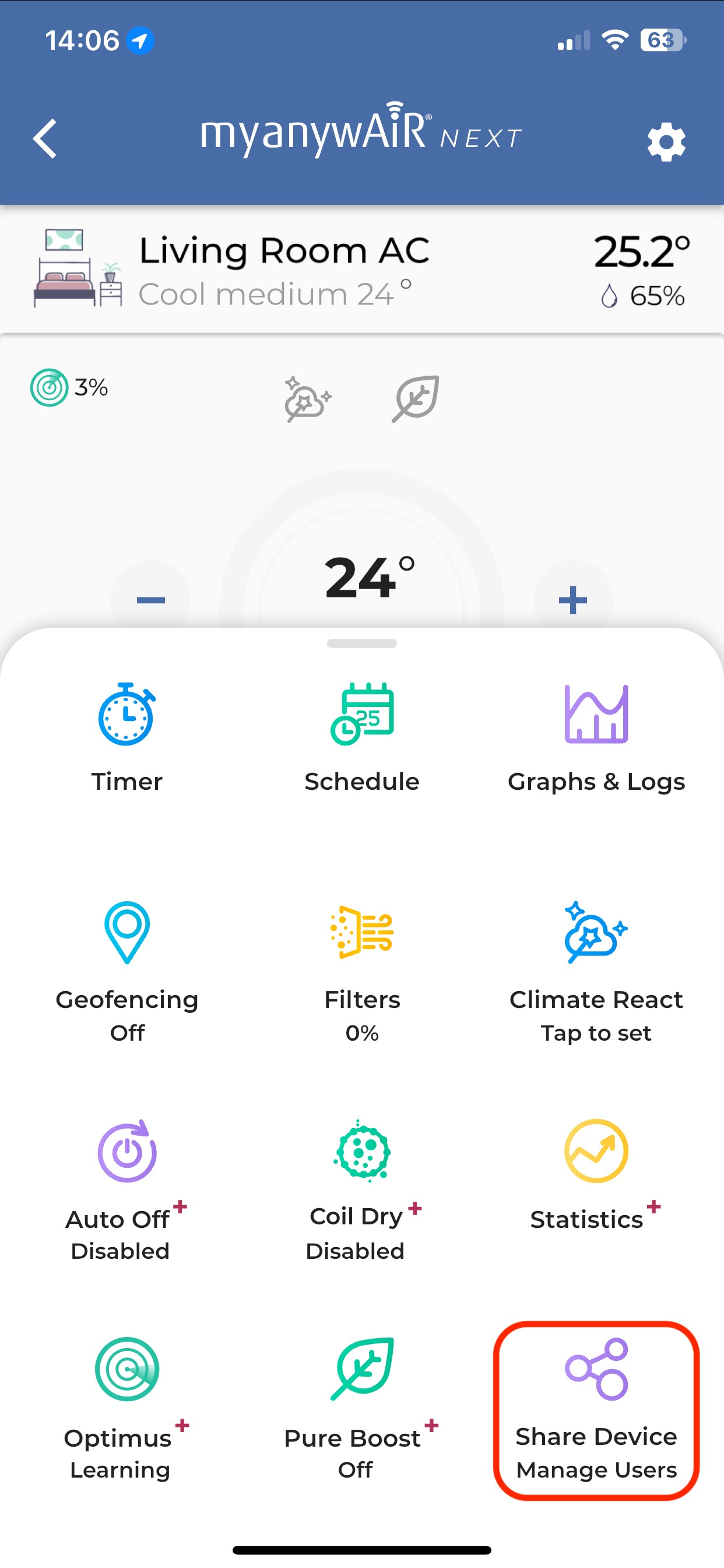
Open the settings drawer and select Share.
Choose how to send the link
- Select someone from your recent contacts, or
- Use a preferred sharing platform such as SMS, WhatsApp, email, Facebook, X/Twitter or Slack.
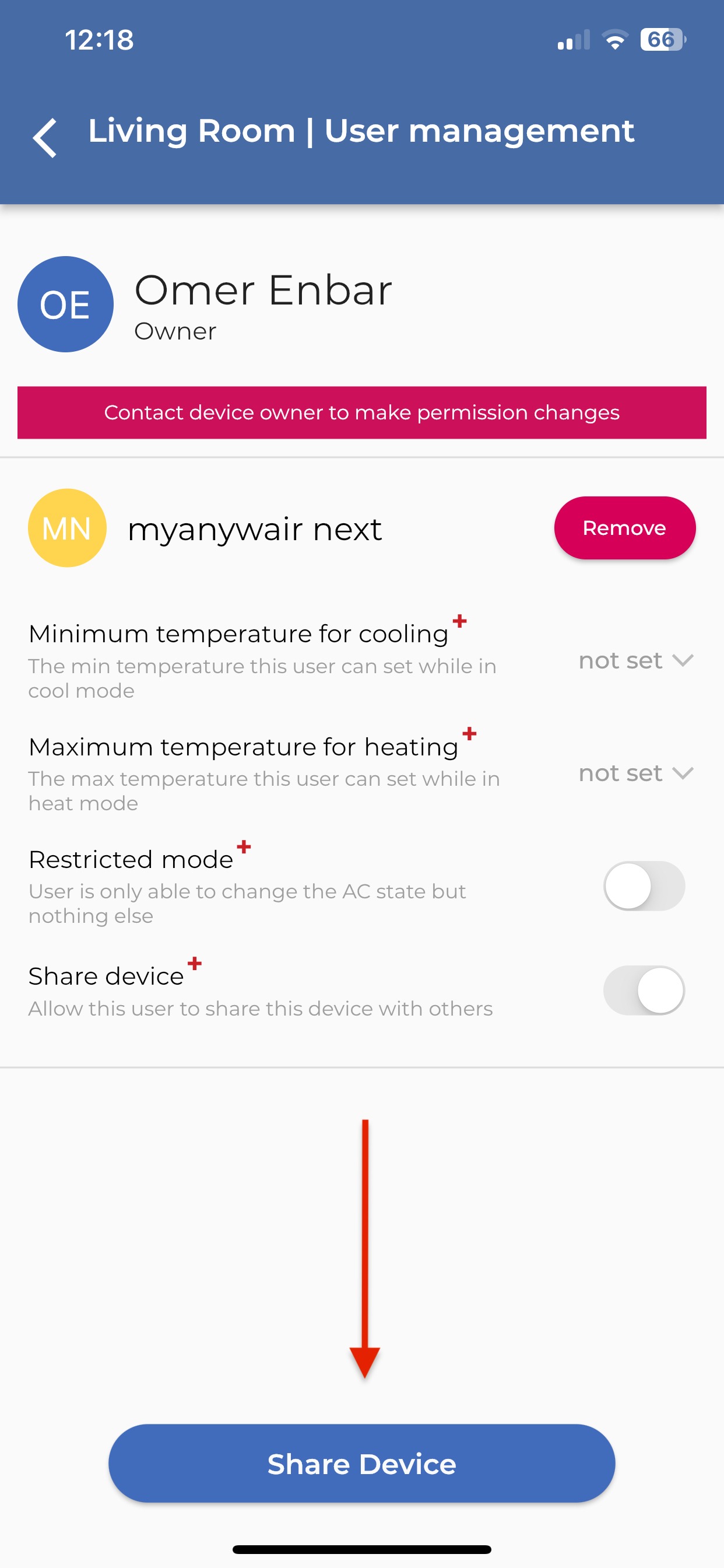
Choose the contact or app you want to use to send the sharing link.
What the recipient needs to do
The recipient must complete the following steps:
- Install the myanywAiR NEXT app, powered by Sensibo.
- Sign up or log in to their account.
- Open the shared link to add the device to their account.
Important: The shared link must be opened by the person who will use the device. They should be signed into their own myanywAiR NEXT account before opening it.
How to remove a user
| 1 | Open the myanywAiR NEXT app and select the shared device. |
| 2 | Slide up to open the device settings drawer. |
| 3 | Locate the user you want to remove. |
| 4 | Select Remove next to the user's name. |
The removed user will immediately lose access to the device.
Tip: Only the primary device owner can share a myanywAiR NEXT device or remove users from it.