
myanywAiR NEXT Support Guide
Reconnect or Reset myanywAiR NEXT Wi-Fi
What to do after changing your router, Wi-Fi details or device ownership
If you have changed your router, network name, Wi-Fi password or transferred ownership of your air conditioner, your myanywAiR NEXT device may need to be reconnected. This guide covers the app-assisted reset, a manual USB reset and options for systems without a wireless remote control.
1. After changing your router or network
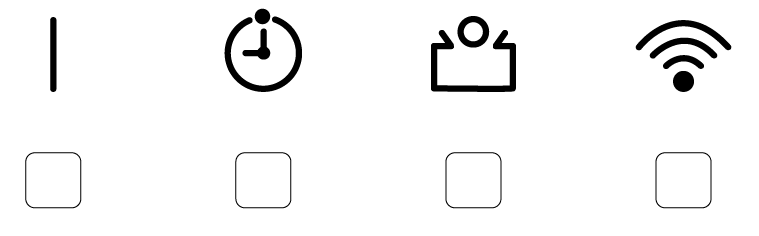
A blinking Wi-Fi indicator means the air conditioner is attempting to reconnect.
- Same network name and password: myanywAiR NEXT should reconnect automatically.
- New network name or password: reconnect the device manually through the myanywAiR NEXT app.
- Ownership transferred: complete the reconnection process through the app.
2. Reconnect using the myanywAiR NEXT app
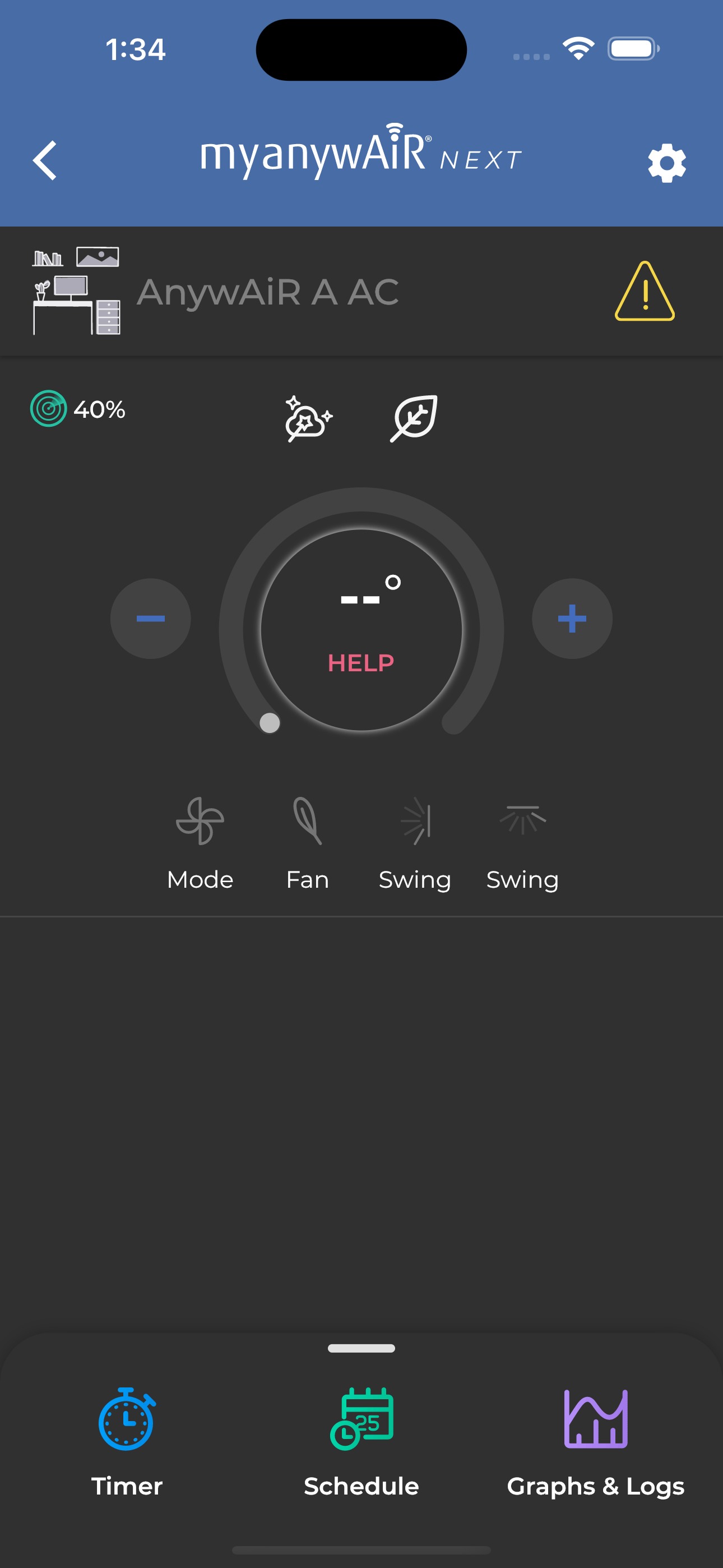
Step 1 - Open the Wi-Fi Setup Wizard
- Open the myanywAiR NEXT app.
- Select HELP from the main menu to open the Wi-Fi Setup Wizard.
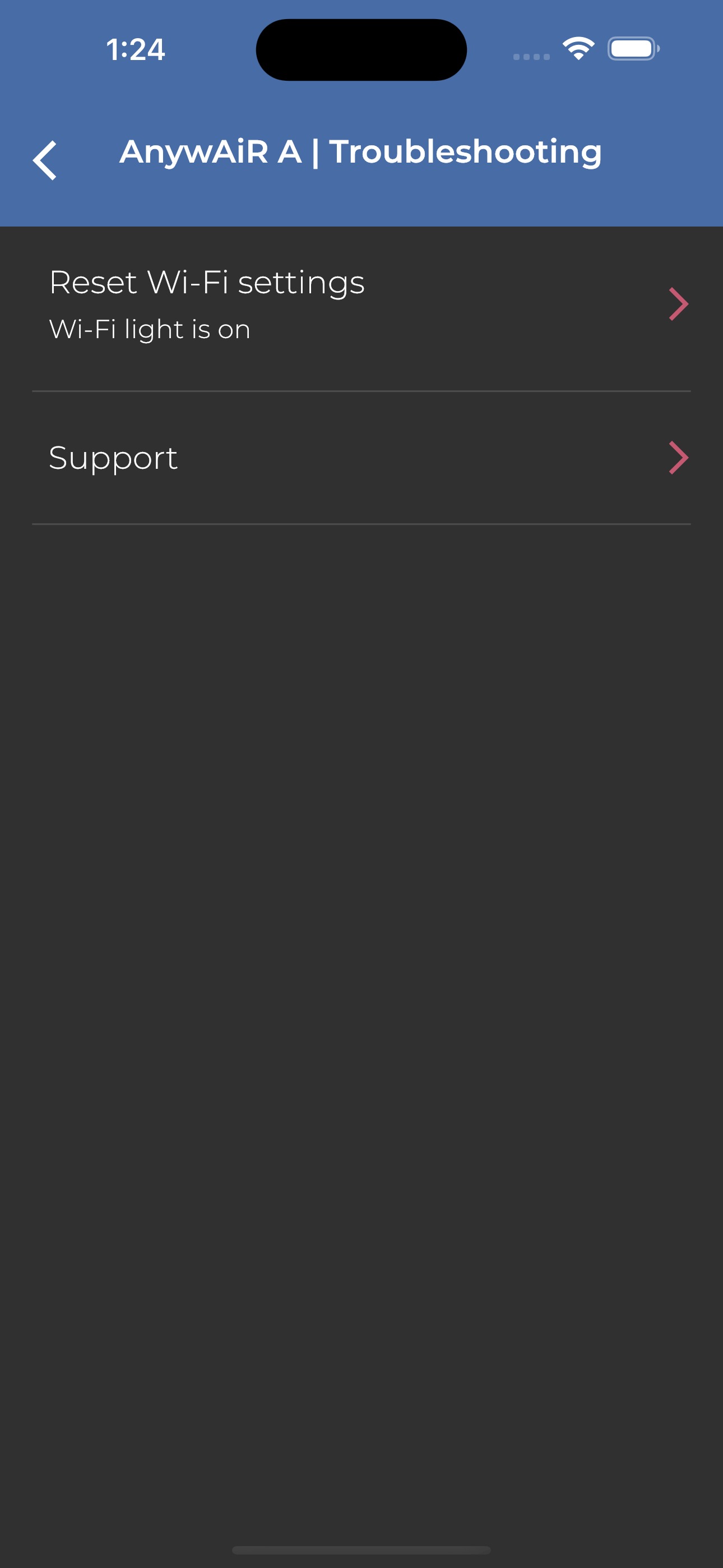
Step 2 - Reset Wi-Fi settings
- Select Reset Wi-Fi Settings.
- Choose your remote-control model when prompted.
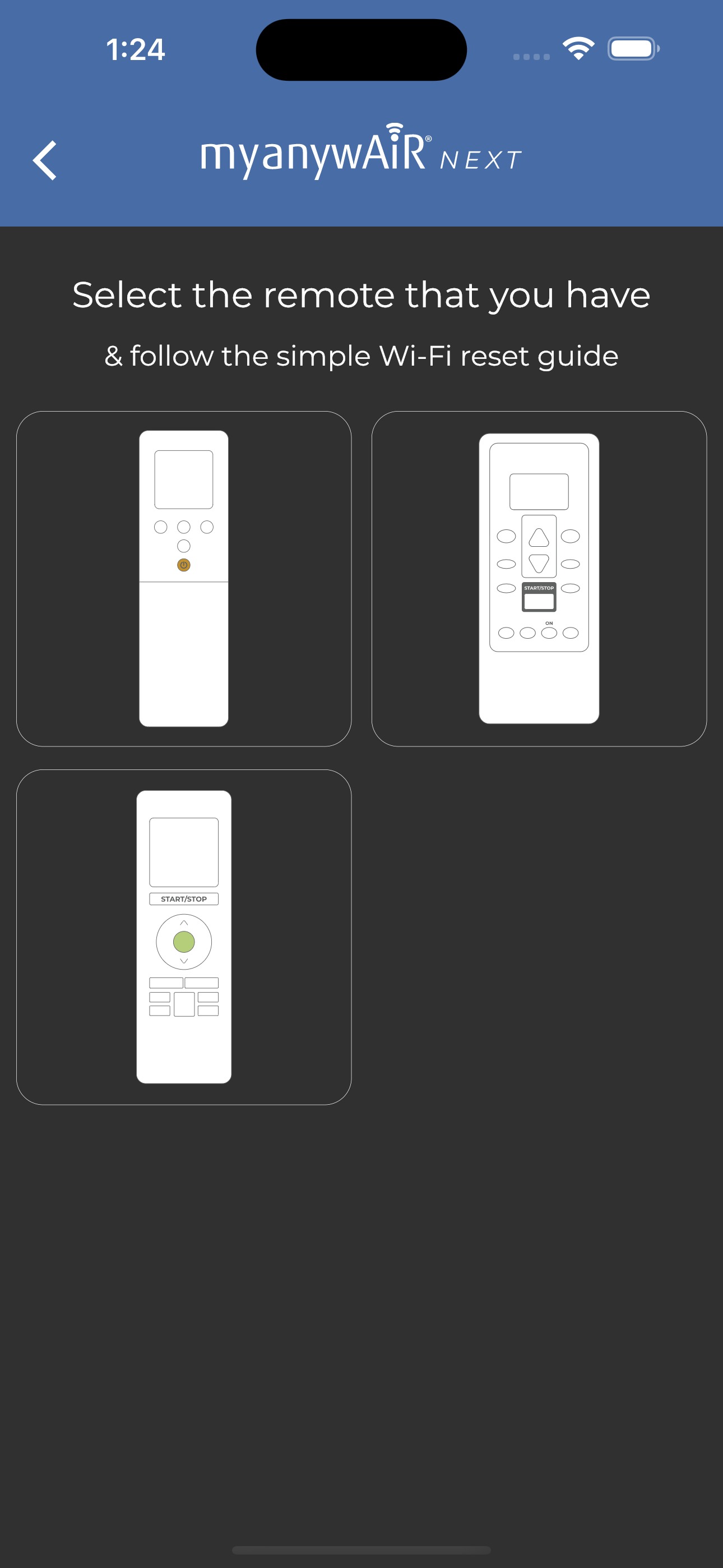
Step 3 - Put the air conditioner into Wi-Fi setup mode
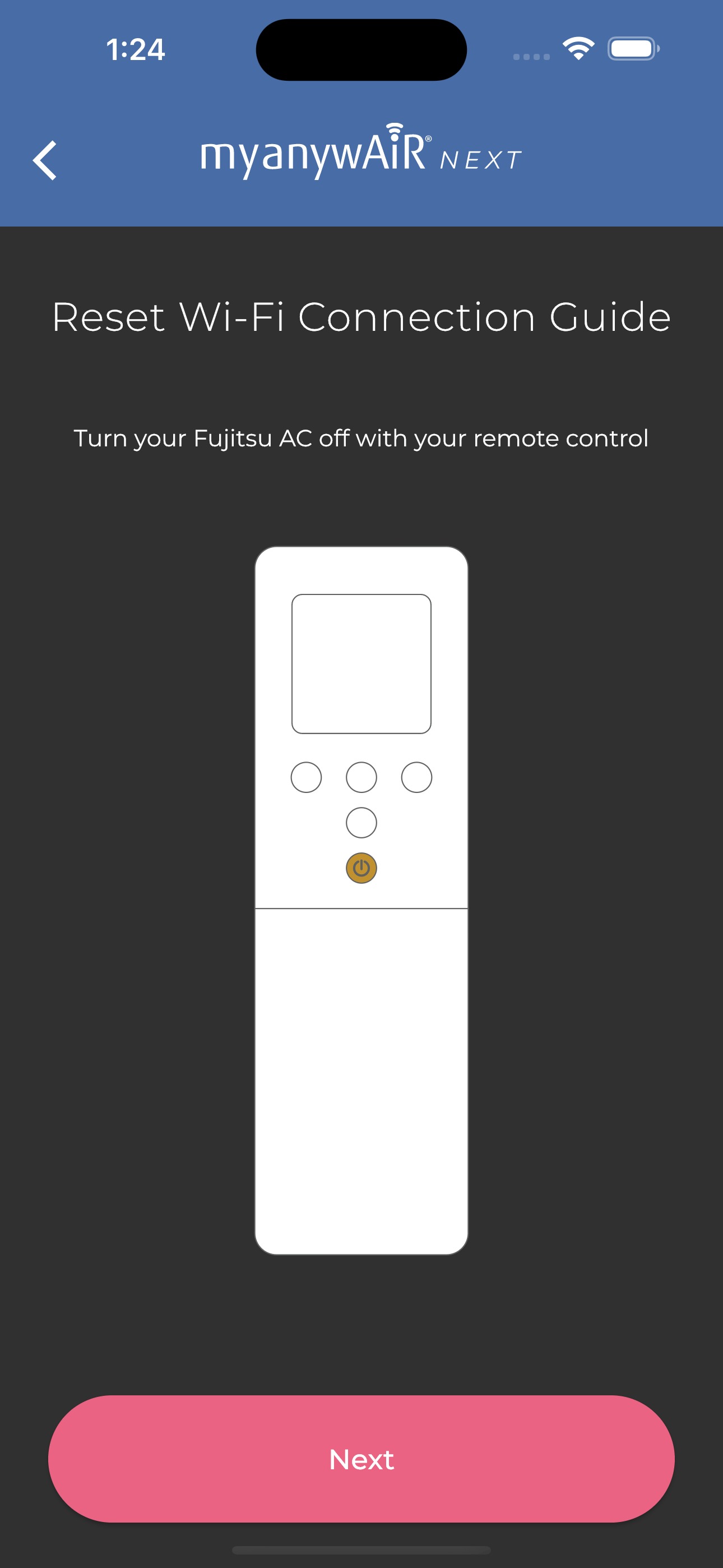
- Press and hold the SEND button for 5 seconds until Ln and 1 appear on the remote display.

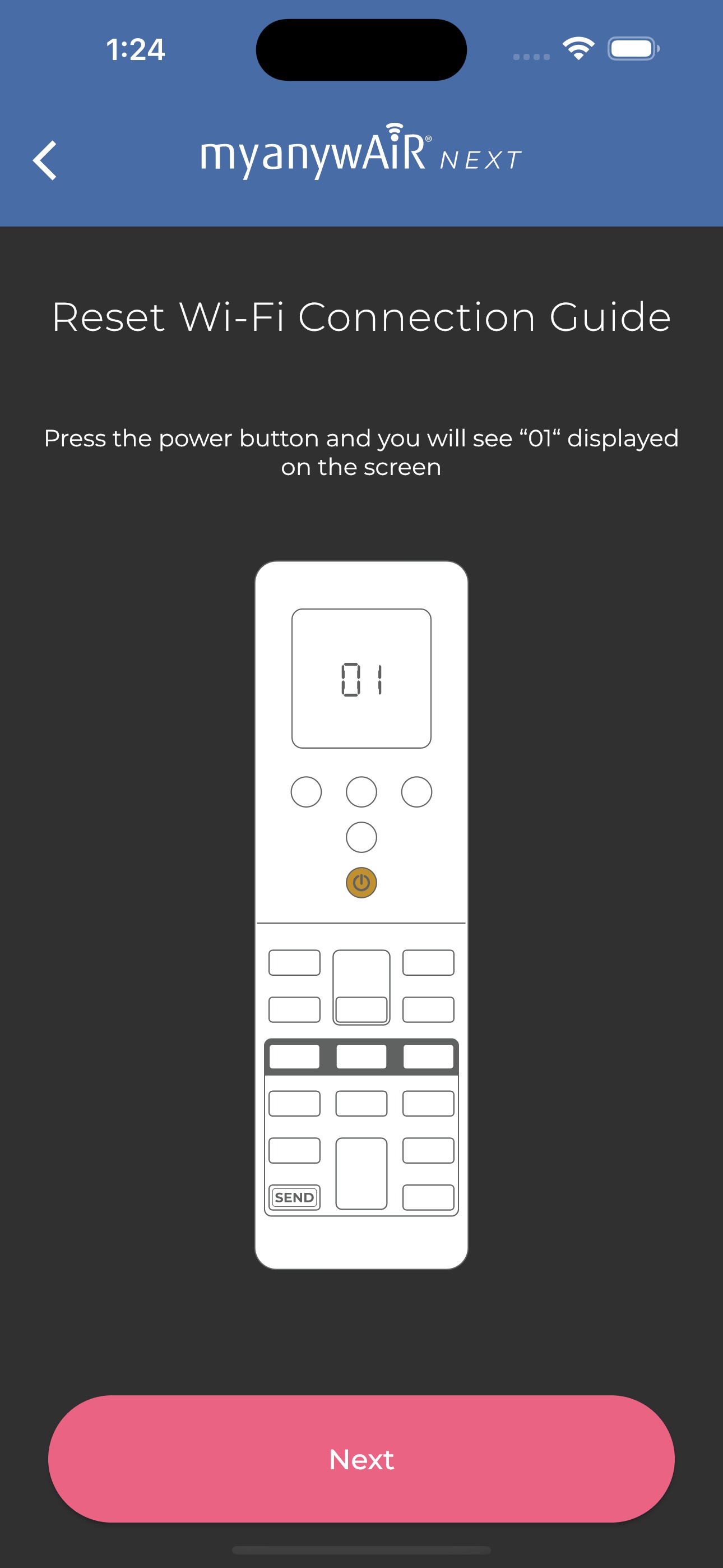
- Press the Power button. The remote will display 01.
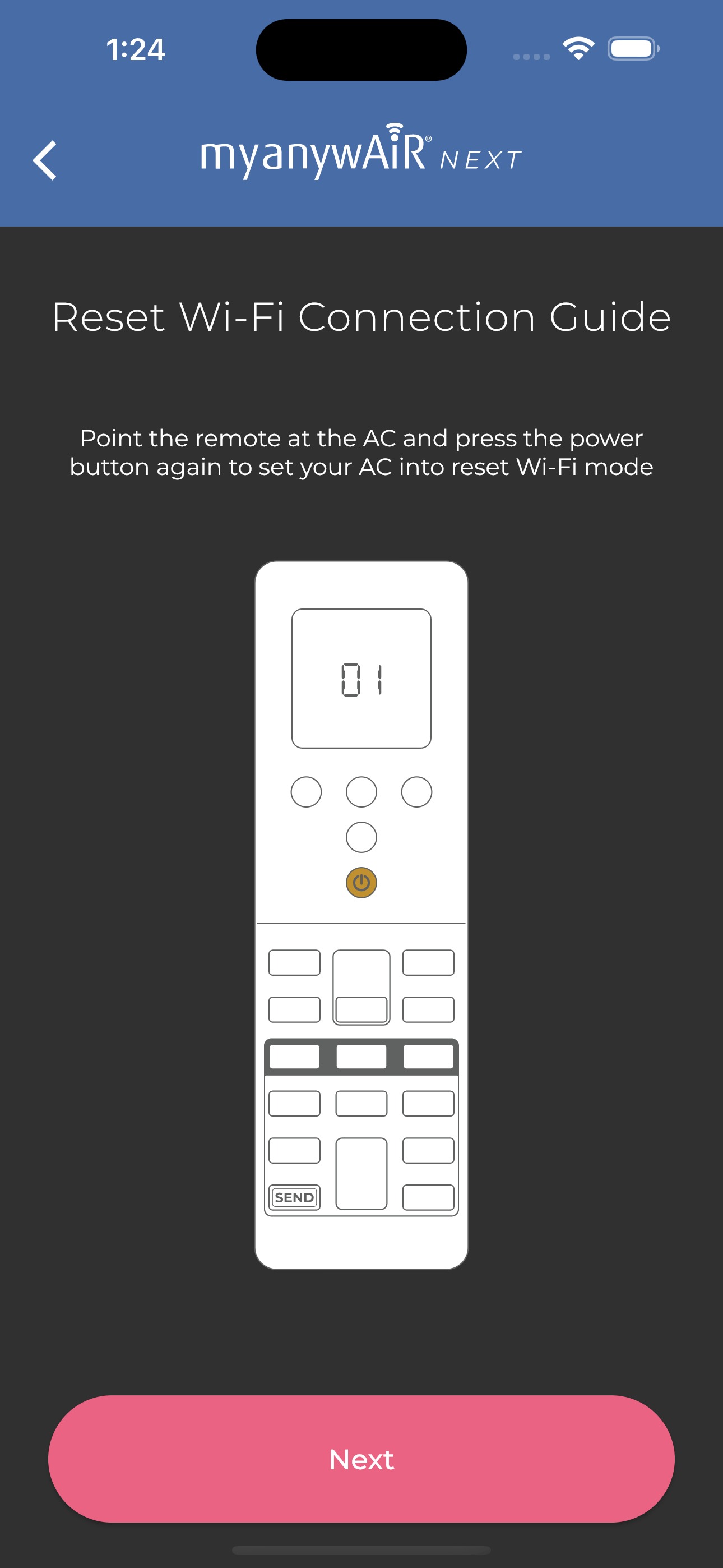
- Point the remote at the air conditioner and press Power again.
The air conditioner will now broadcast a temporary setup signal that allows the app to complete the reconnection.
Step 4 - Connect to the new network
- Follow the app prompts to scan for available Wi-Fi networks.
- Select your network and enter the Wi-Fi password.
- The unit's Wi-Fi indicator will blink while connecting and turn solid when the connection is successful.
3. Manual Wi-Fi reset
Use this method if the app-assisted reset does not work.
- Unplug the myanywAiR USB device for 3 seconds.
- Plug it back in, then remove it again after 2 seconds.
- Repeat the plug-in and removal sequence 10 times.
- Confirm that the air conditioner's Wi-Fi LED begins blinking steadily.
After the reset, reconnect the device through the myanywAiR NEXT app as though it were being installed for the first time.
4. Systems without a wireless remote control
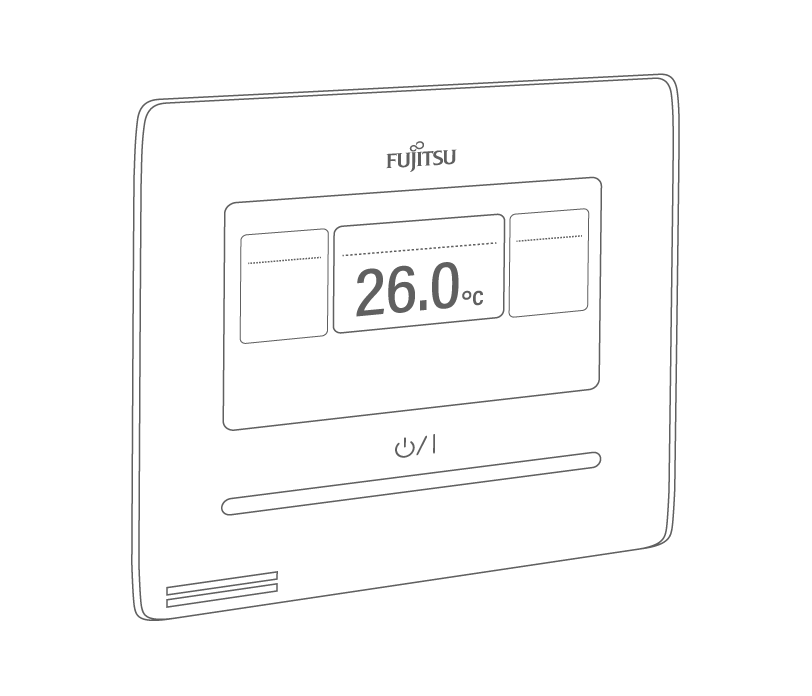
For systems using a wall-mounted controller, or where the wireless remote is unavailable, use one of the following methods:
- Complete the manual USB Wi-Fi reset described above.
- Power cycle the circuit breakersupplying the air conditioner:
- Turn the breaker OFF.
- Wait 3-5 seconds.
- Turn the breaker ON.
- Repeat the sequence 5 times.
After either reset method, the Wi-Fi LED should flash to show that the unit is ready to reconnect.