
- Press the SEARCH icon
- Type in the SEARCH field RP004 STOCK ON HAND FOR SERVICE and select the corresponding result
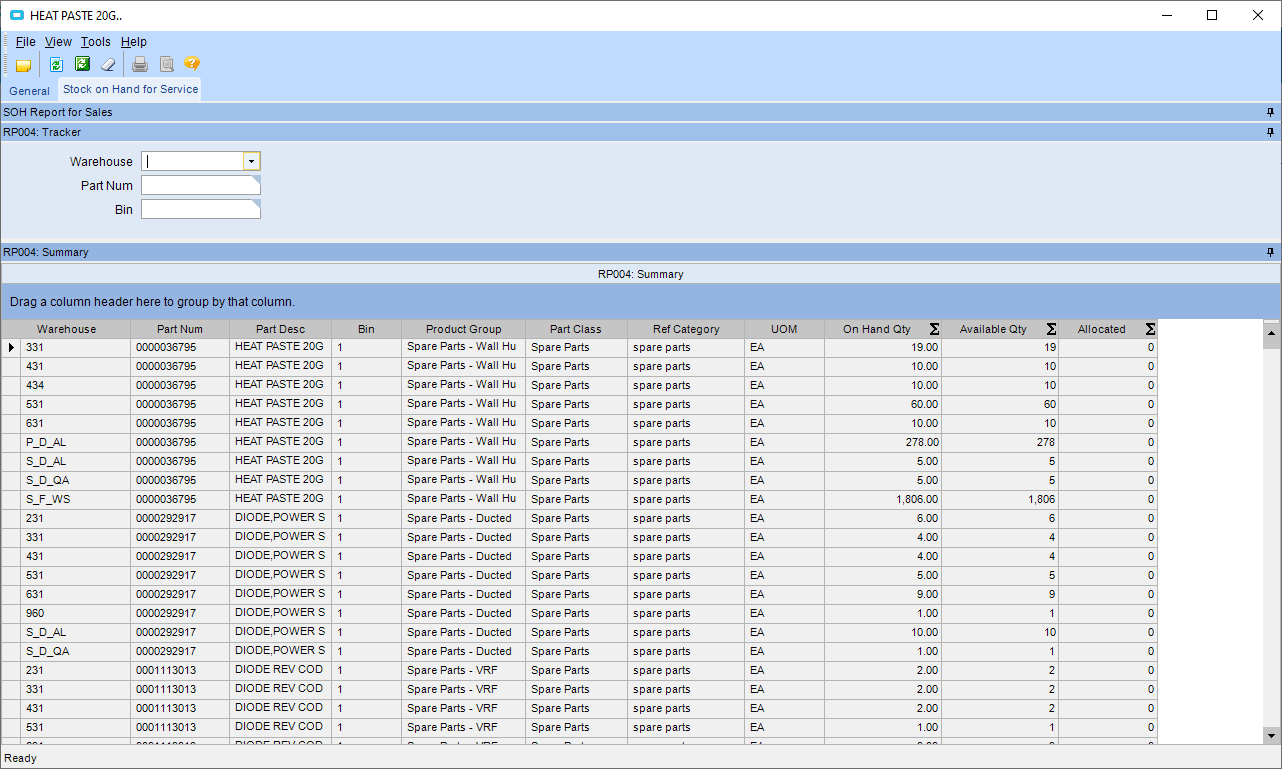
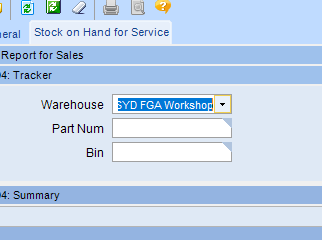
- From the WAREHOUSE drop down box, select the corresponding warehouse
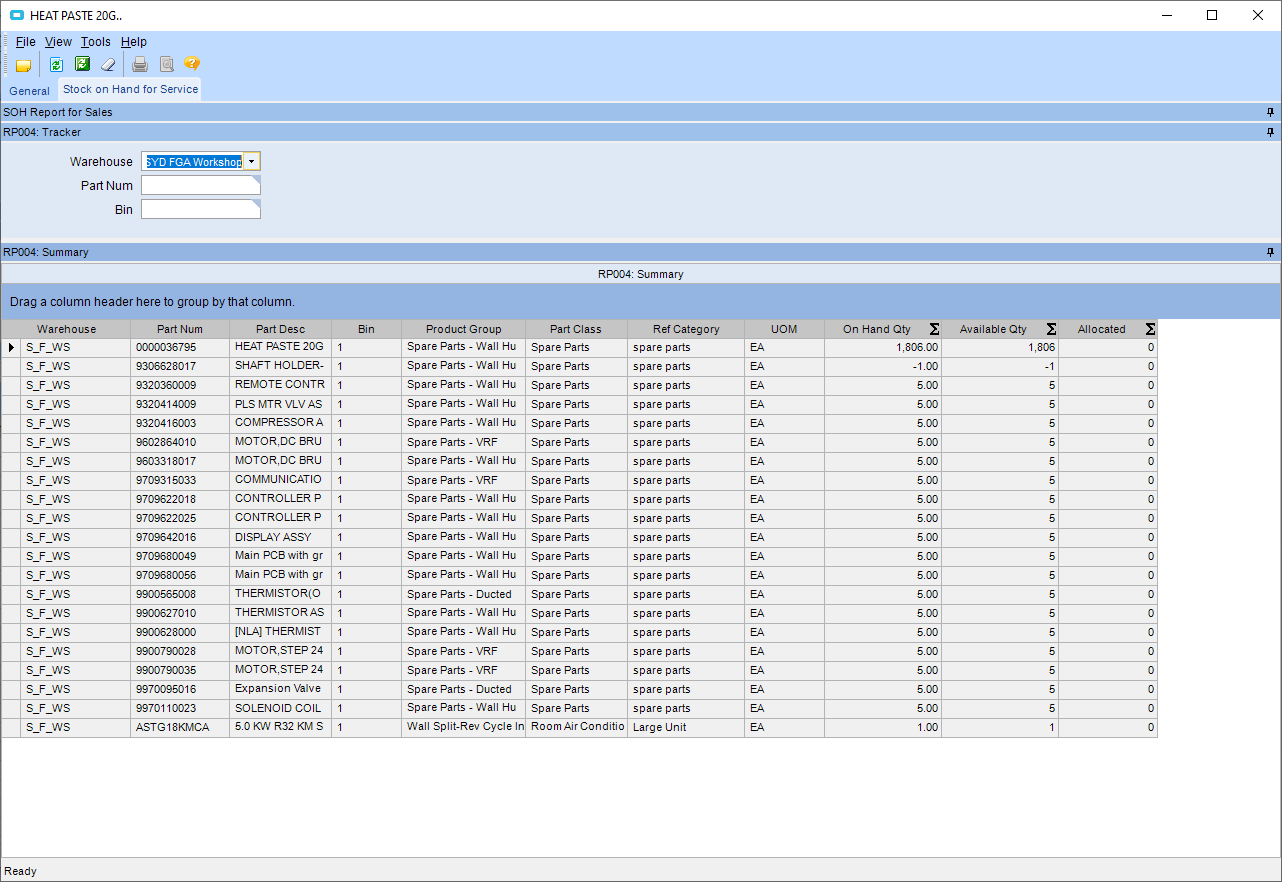
- Press the REFRESH button

- All stock in that warehouse will be displayed
Checking stock on hand in service location Print
Modified on: Wed, 15 May, 2019 at 8:28 AM
Did you find it helpful? Yes No
Send feedbackSorry we couldn't be helpful. Help us improve this article with your feedback.