
- Click on the SEARCH button
- Enter in the SEARCH field FGA ORDER DASHBOARD and selected the corresponding result
- The FGA ORDER DASHBOARD will appear
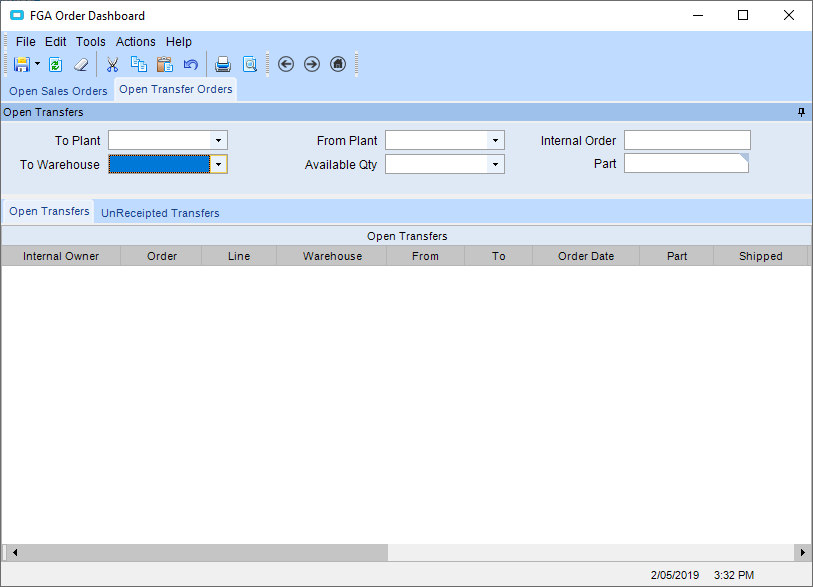
- Select the OPEN TRANSFER ORDERS tab
- Filter by
- TO PLANT
- TO WAREHOUSE (for example SYD FGA WORKSHOP)
- FROM PLANT
- AVAILABLE QTY
- INTERNAL ORDER (transfer order number)
- PART
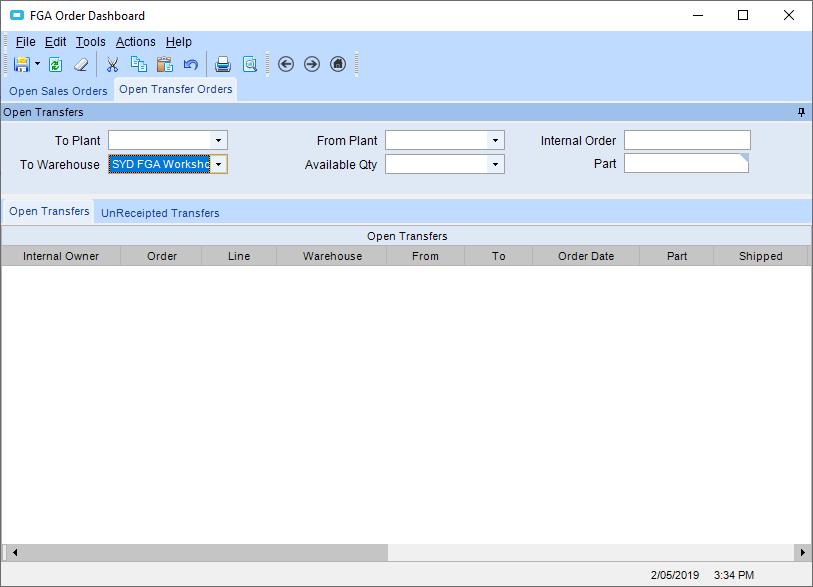
- Press the REFRESH button
- All transfer orders that are open will appear

- Right click on the ORDER>OPEN WITH>TRANSFER ORDER ENTRY
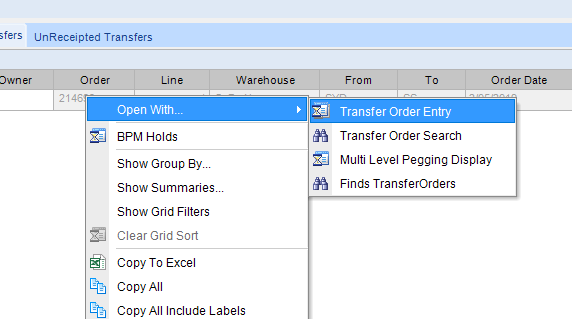
- The TRANSFER ORDER ENTRY screen will open
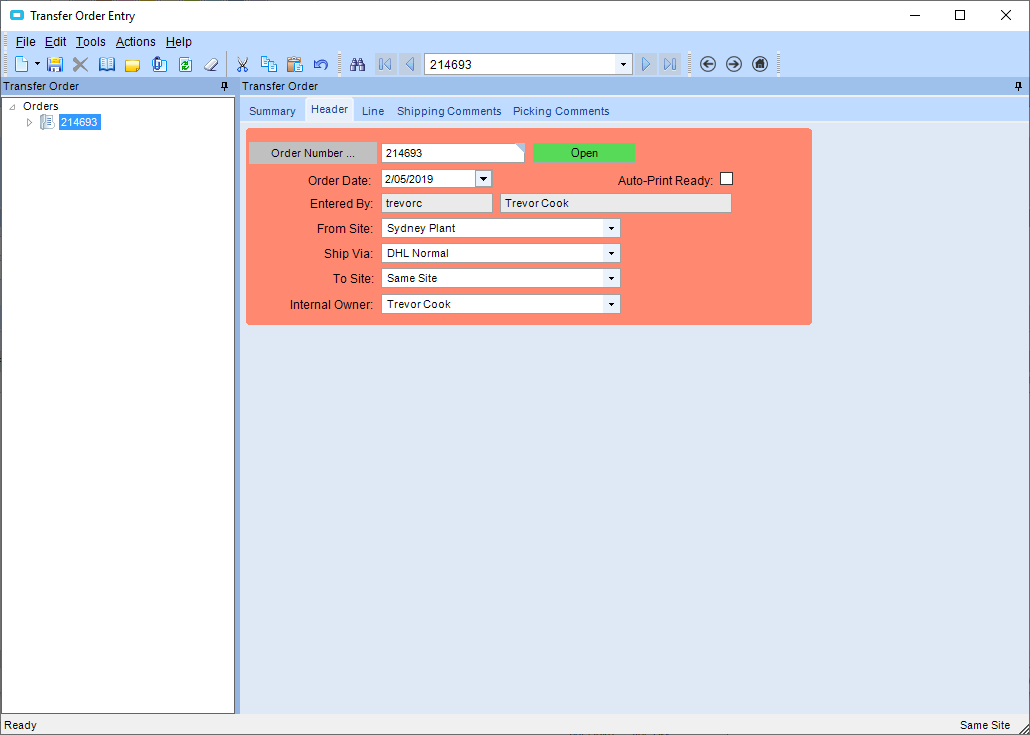
- Go to ACTIONS>TRANSFER ORDER FULFILMENT WORKBENCH or press F5 on the keyboard
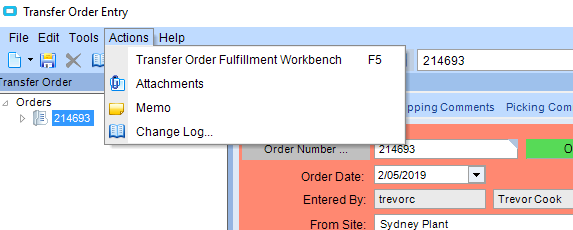
- The FULFILMENT WORKBENCH will open
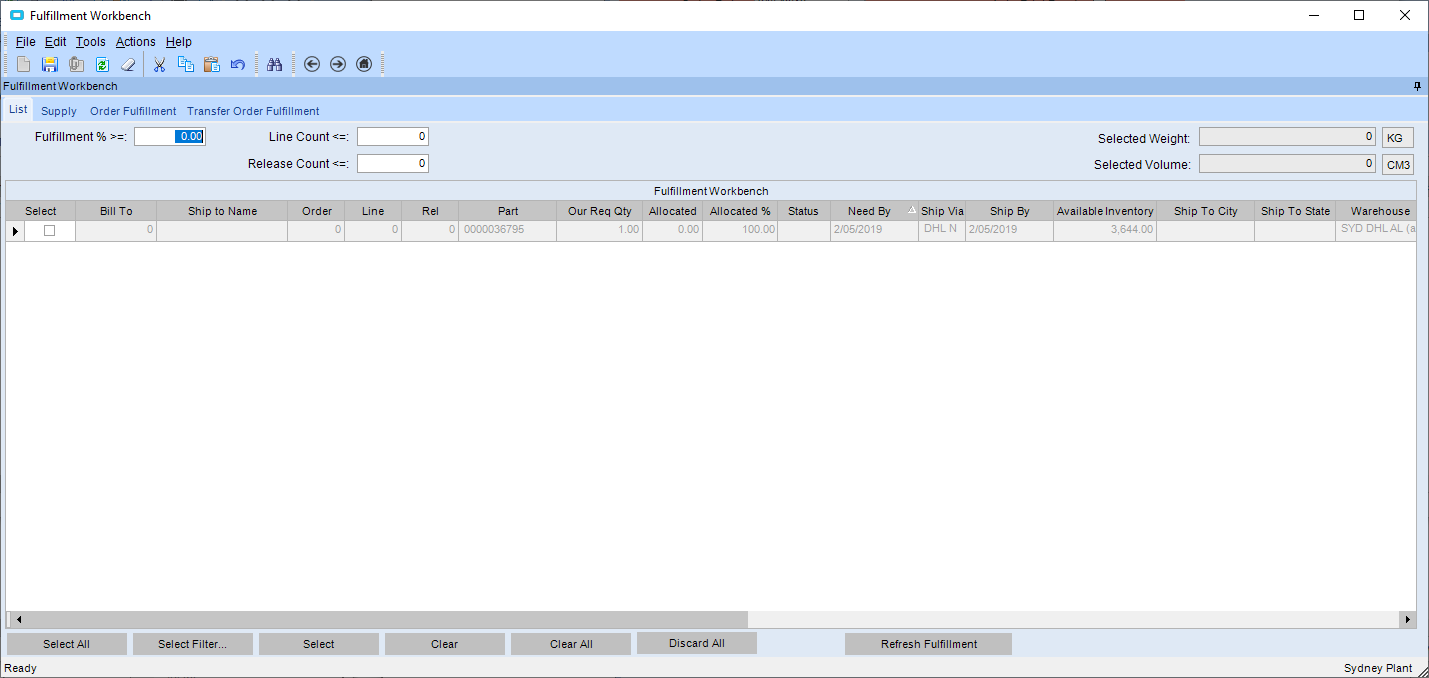
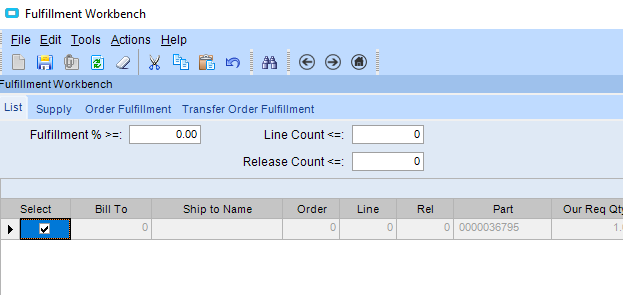
- Select the lines you want to release
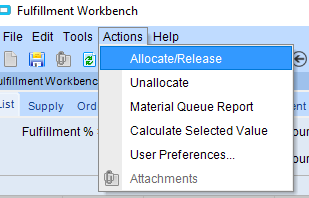
- Go to ACTIONS>ALLOCATE/RELEASE
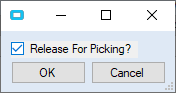
- Tick the RELEASE FOR PICKING button and press OK
Checking for open transfers Print
Modified on: Thu, 2 May, 2019 at 3:41 PM
Did you find it helpful? Yes No
Send feedbackSorry we couldn't be helpful. Help us improve this article with your feedback.