
- Click on the SEARCH button
- Enter in the SEARCH field PART TRACKER
- The PART TRACKER screen will appear
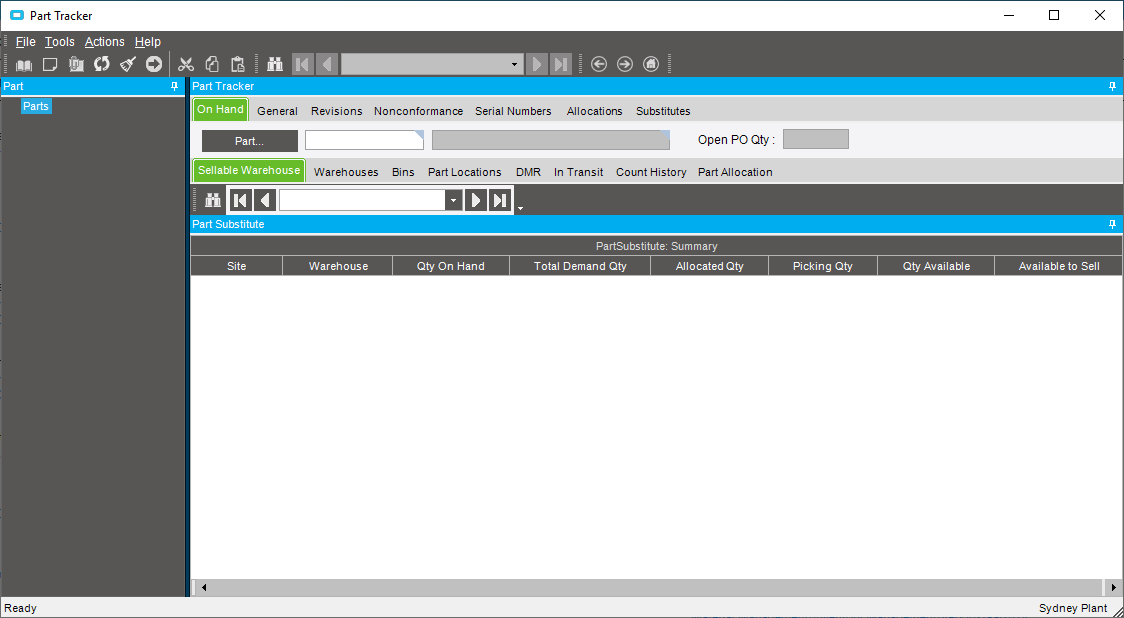
- Enter in the kit number in the PART field
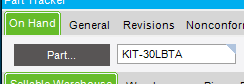
- If you do not know the KIT ID, click on the PART button and type the word KIT in the STARTING AT field and press SEARCH
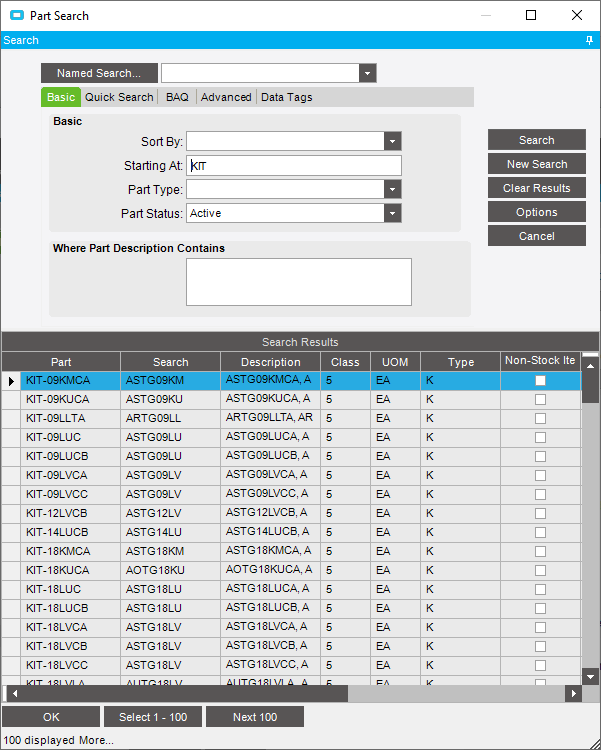
- If you do not know the KIT ID, click on the PART button and type the word KIT in the STARTING AT field and press SEARCH
- Click on REVISIONS>BOM tabs
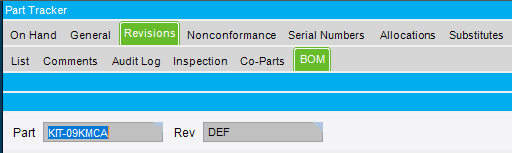
- All parts that are in the kit will be displayed
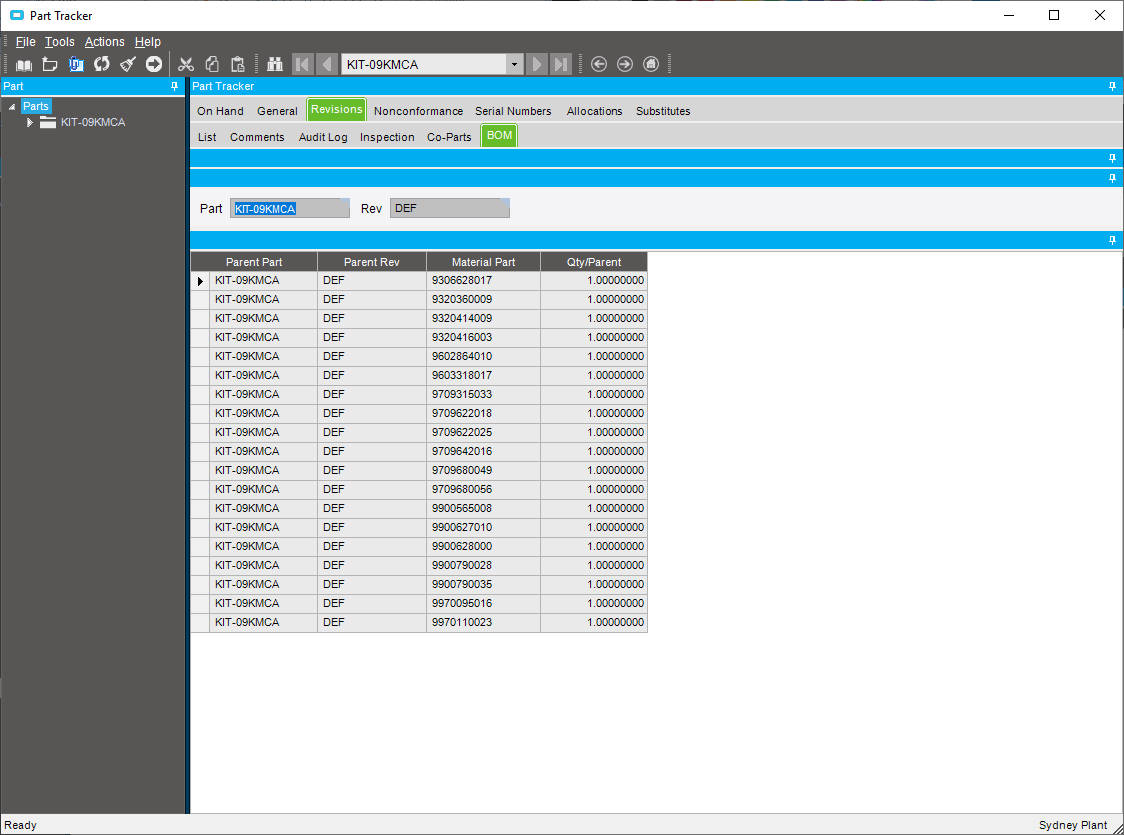
- NOTE: the QTY/PARENT field is what should be in the kit, not what is actually in the kit
Checking what parts are in a kit Print
Modified on: Thu, 2 May, 2019 at 1:57 PM
Did you find it helpful? Yes No
Send feedbackSorry we couldn't be helpful. Help us improve this article with your feedback.