
- Click on the SEARCH icon
- Type in the SEARCH field PART and select the corresponding result
- The PART MAINTENANCE screen will appear
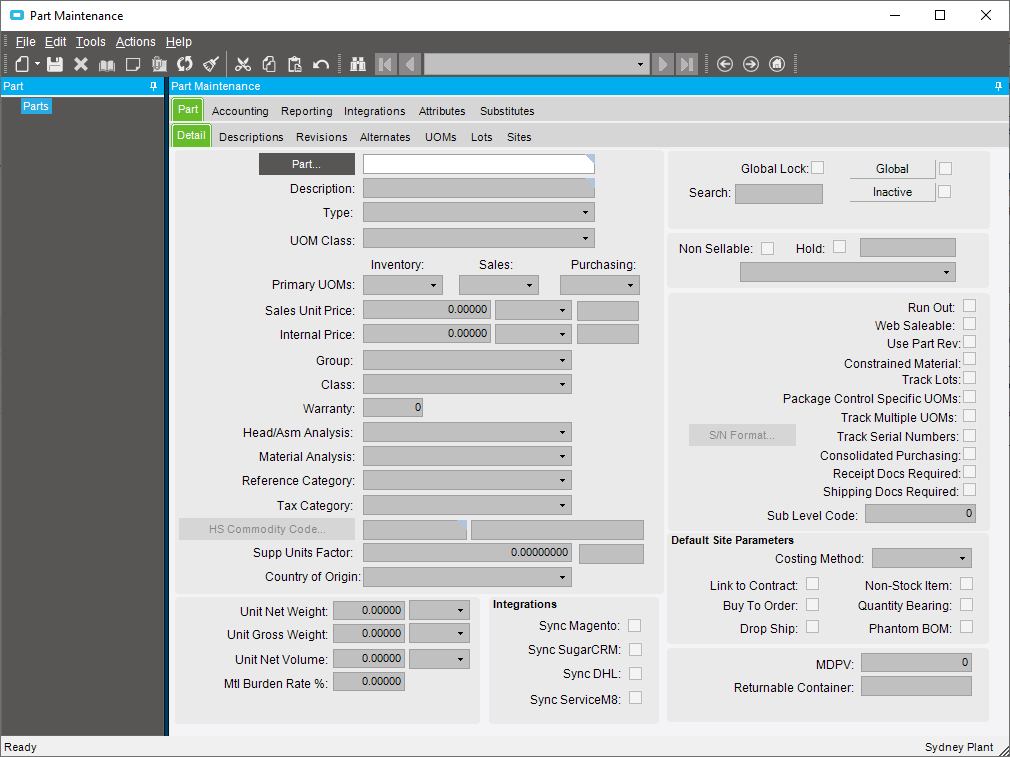
- Enter in the part number you wish to set a minimum quantity for in the PART field
- Go to SITES>WAREHOUSES>DETAIL tab and select which warehouse you would like to set a minimum quantity on
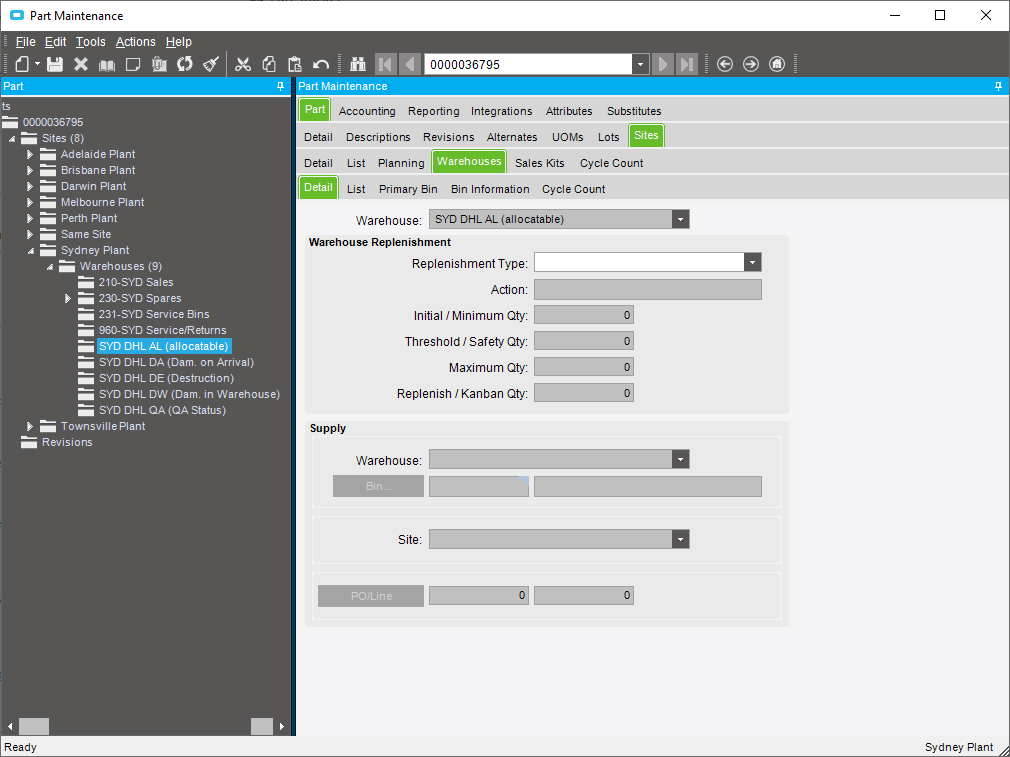
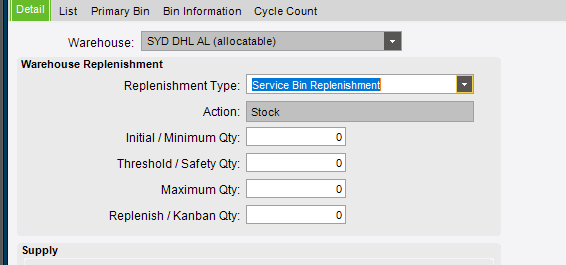
- Select the REPLENISHMENT TYPE (SERVICE BIN REPLENISHMENT)
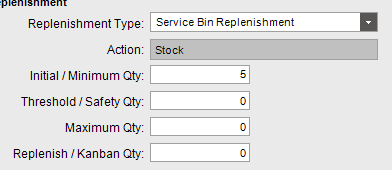
- Enter in the minimum number of the part that is required. The number should be the total of the part found in all the kits that belong to that location
- Press the SAVE button
Setting up minimum quantities for parts in service locations Print
Modified on: Thu, 2 May, 2019 at 1:21 PM
Did you find it helpful? Yes No
Send feedbackSorry we couldn't be helpful. Help us improve this article with your feedback.